Deploying an SSH honeypot in Go with Docker and analyzing bot traffic

Introduction
An SSH honeypot is a fake SSH server deliberately exposed on the Internet to attract and record automated intrusion attempts (bots, scanners). This guide walks through deploying gopot on a Jetson Orin Nano with Docker.
Installation
To set up this honeypot, here are the prerequisites:
- A Linux system
- Docker
- A public IPv4 address
Separating the real SSH from the honeypot
If you are already using port 22 for sshd, the two services cannot share the same port. You therefore need to move sshd to another port, for example port 2022.
# /etc/ssh/sshd_config
Port 2022
sudo systemctl restart ssh
Docker configuration
gopot is containerized with Docker; you will find a Dockerfile and a docker-compose.yml in the Git repository.
You can edit these files if you want to change the port used inside the container or adjust the resources allocated to the honeypot.
Key points:
"22:2223": the host’s port 22 is forwarded to the honeypot’s internal portgopot.tomland host_key mounted read-only- The SQLite database persists in a named volume
cap_drop: ALLand no-new-privileges reduce the attack surface- Log rotation to avoid filling up the disk
Generating the SSH key
You need to generate a key that is persistent across restarts.
ssh-keygen -t ed25519 -f ./host_key -N ""
chmod 644 ./host_key   # readable by the container's non-root user
Deploying
docker compose up -d --build
docker compose logs -f
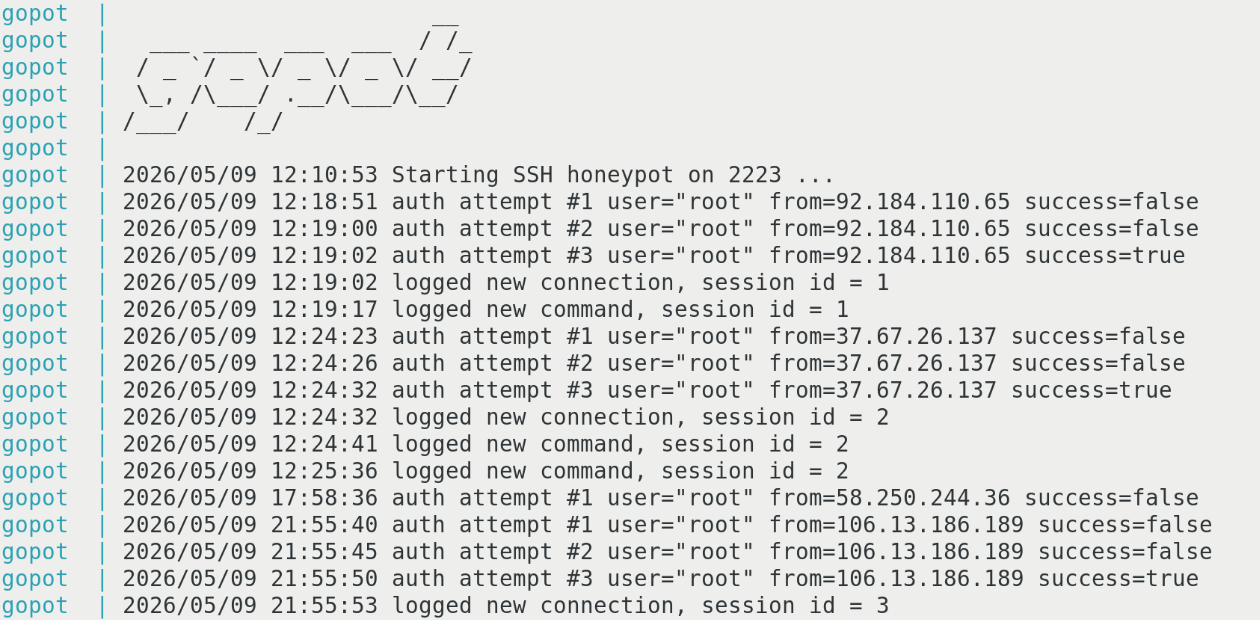
There you go! Your SSH honeypot is now live on port 22, ready to log every connection attempt and session. Give it a few hours before the first bots start showing up.
Results
The honeypot ran from May 9 to May 15, 2026, a full week of direct exposure. Over that window, gopot recorded 1,047 authentication attempts across 135 sessions from 80 distinct IP addresses. Notably, only 3 commands were ever run once a session was open, all of them whoami.
Authentication attempts per day
Data: May 9 16, May 10 78, May 11 220, May 12 115, May 13 205, May 14 341, May 15 72.
Most targeted usernames
Data: support 482, root 213, admin 148, user 41, test 12, orangepi 10, ubnt 6, config 6.
SSH client breakdown
Data: SSH-2.0-Go 109, libssh_0.7.4 22, russh_0.51.1 2, OpenSSH_for_Windows_9.5 1, OpenSSH_9.8 1.
What the numbers tell us
Sessions last a fraction of a second and almost never chain a command after authentication (3 commands for 135 sessions). The client banners confirm the automation: 109 identified sessions announce themselves as SSH-2.0-Go, more than 80% of recognized clients, the rest split between libssh and russh. Note: gopot deliberately accepts almost every connection, which is why the displayed success rate sits at 86%. That number therefore reflects no compromise whatsoever; it is the expected behavior of a decoy built to record as many interactions as possible.
Far from a crowd of varied attackers, the volume is highly concentrated: 87.251.64.176 alone generates 460 attempts, 44% of the total, and the three most active IPs account for 52% of the traffic. This signature, where a single source hammers the service with an identical dictionary, is characteristic of a coordinated botnet rather than targeted, independent intrusions.
The list of attempted usernames does not aim at classic servers but at consumer and embedded devices: support comes out far ahead (482 attempts), followed by default accounts typical of routers, cameras and ARM boards such as orangepi, ubnt, config or system. These dictionaries are tailored for firmware left with factory credentials, a prime target for swelling a botnet’s ranks.